
The Ultimate Guide to Android POS Software: Streamlining Your Business in the Mobile Age
This comprehensive guide explores the world of Android POS software, covering its benefits, features, choosing the right system, and its impact on various businesses.
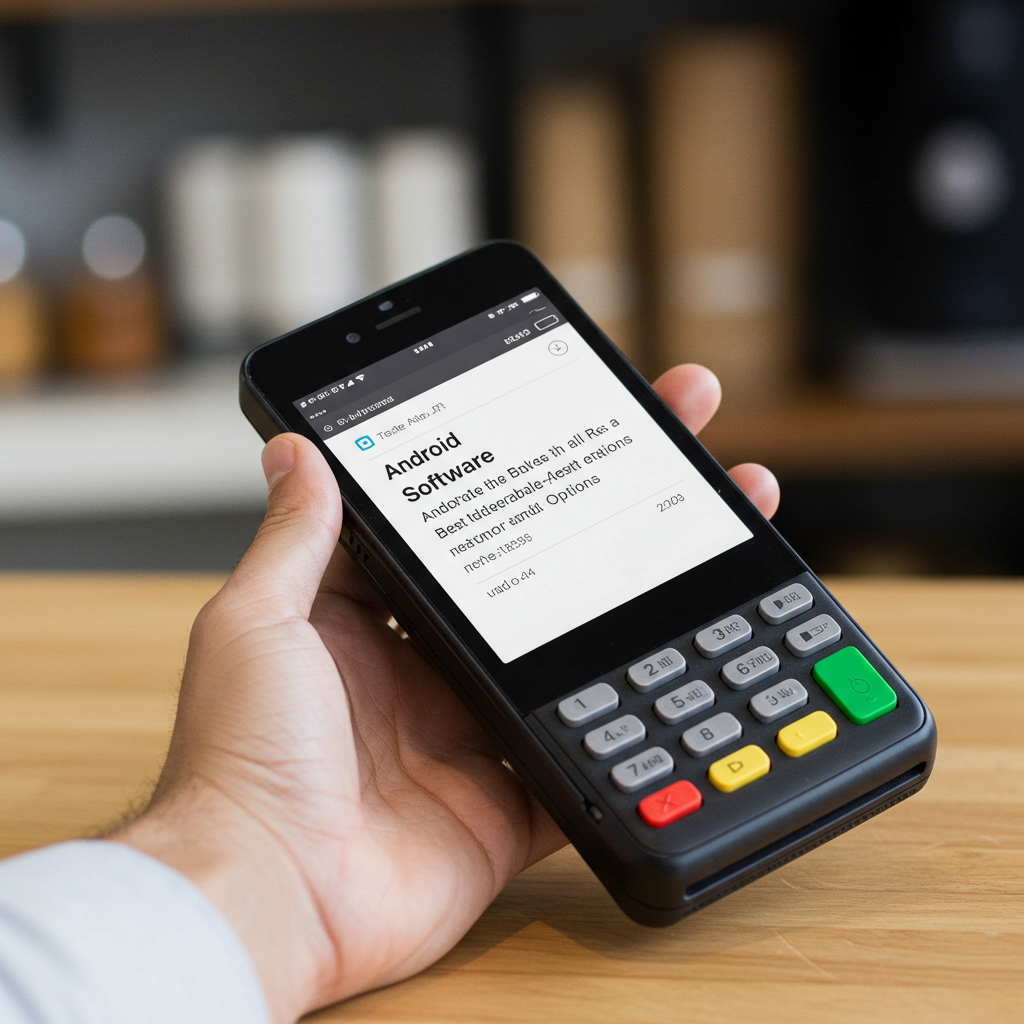
Android POS systems are revolutionizing how businesses handle transactions, inventory, and customer relationships. This guide provides a deep dive into this technology, helping you understand if it’s the right solution for your needs.
What is Android POS Software?
Android POS (Point of Sale) software transforms Android devices like tablets and smartphones into powerful point-of-sale systems. This eliminates the need for traditional, bulky cash registers, offering a flexible and cost-effective alternative. These systems handle everything from processing transactions and managing inventory to tracking sales data and engaging customers.
Benefits of Using Android POS Software
- Cost-Effectiveness: Android POS systems are significantly cheaper than traditional systems, saving on hardware and software costs.
- Flexibility and Mobility: The portable nature of Android devices allows for on-the-go transactions, perfect for businesses like food trucks, pop-up shops, and delivery services. (Internal link to blog post about mobile POS systems, if available; otherwise link to relevant page.)
- Scalability: Easily scale your system by adding more Android devices as your business grows.
- User-Friendliness: The intuitive Android interface makes it easy for employees to learn and use the system quickly.
- Real-Time Data Access: Access sales data, inventory levels, and customer insights in real-time, enabling informed business decisions.
- Integration with Other Business Tools: Many Android POS systems integrate with accounting software, CRM platforms, and e-commerce platforms, streamlining operations. (Internal link to blog post about business software integrations, if available)
- Rich Feature Set: Android POS software offers a wide range of features, including inventory management, customer relationship management (CRM), employee management, and reporting capabilities.
Key Features to Look for in Android POS Software
Inventory Management
- Real-time stock tracking
- Low stock alerts
- Automated purchase orders
- Product categorization and search
Sales and Transaction Processing
- Support for various payment methods (credit/debit cards, mobile wallets, cash)
- Offline transaction processing
- Customizable receipts
- Discount and promotion management
- Tip calculation and split payments
Customer Relationship Management (CRM)
- Customer profiles and purchase history
- Loyalty programs and rewards
- Targeted marketing campaigns
Reporting and Analytics
- Sales reports
- Inventory reports
- Employee performance reports
- Customer behavior analytics
Choosing the Right Android POS Software for Your Business
Choosing the right Android POS software requires careful consideration of your specific business needs.
Business Type and Size
- Retail: Look for features like inventory management, barcode scanning, and customer loyalty programs.
- Restaurants: Consider table management, order taking, kitchen display systems, and online ordering integration. (Internal link to blog post about restaurant POS systems, if available)
- Service Businesses: Focus on features like appointment scheduling, service tracking, and employee management.
Hardware Compatibility
Ensure the software is compatible with the Android devices you plan to use. Consider factors like screen size, processing power, and connectivity options.
Budget and Pricing
Compare pricing models, including monthly subscriptions, transaction fees, and hardware costs.
Implementing Android POS Software
- Hardware Setup: Choose your Android devices, card readers, printers, and other necessary hardware.
- Software Installation and Configuration: Install the software and configure it according to your business needs.
- Employee Training: Train your employees on how to use the new system effectively.
- Data Migration: If migrating from an existing system, ensure seamless data transfer.
The Future of Android POS Software
Android POS software is constantly evolving. Emerging trends include:
- AI-powered features: Personalized recommendations, automated inventory management, and predictive analytics.
- Increased integration with IoT devices: Connecting with smart shelves, beacons, and other devices to enhance customer experience and operational efficiency.
- Enhanced security features: Biometric authentication and advanced encryption to protect sensitive data.
Android POS Software vs. Traditional POS Systems
| Feature | Android POS | Traditional POS |
|---|---|---|
| Cost | Lower | Higher |
| Flexibility | High | Low |
| Scalability | High | Limited |
| Mobility | High | Low |
| Maintenance | Easier | More Complex |
Case Studies: Android POS in Action
Several businesses have successfully implemented Android POS software to improve their operations. Research case studies in your specific industry to see how others have benefited from this technology.
FAQs about Android POS Software
- Q: Is Android POS software secure? A: Yes, reputable Android POS systems offer robust security features like data encryption and PCI compliance.
- Q: What internet connection is required? A: Many systems offer offline functionality, but a stable internet connection is recommended for real-time data synchronization and online ordering.
- Q: Can I integrate my existing hardware with Android POS software? A: It depends on the software and hardware compatibility. Check with the software vendor for details.
- Q: What type of support is available? A: Most vendors offer email, phone, and online support.
Conclusion
Android POS software offers a powerful, flexible, and cost-effective solution for businesses of all sizes. By carefully evaluating your needs and choosing the right software, you can streamline your operations, enhance customer experience, and drive business growth. This guide provides a solid foundation for understanding Android POS and making an informed decision. Investing in the right Android POS system can put your business at the forefront of modern commerce, offering valuable tools for growth and success. Don’t get left behind – explore the potential of Android POS software today.