
Best Mobile Pos System For Small Business 2026
The best mobile POS system for a small business offers a blend of affordability, ease of use, and essential features like inventory management and payment processing. It should also scale with your business and provide good customer support.
What is a Mobile POS System?
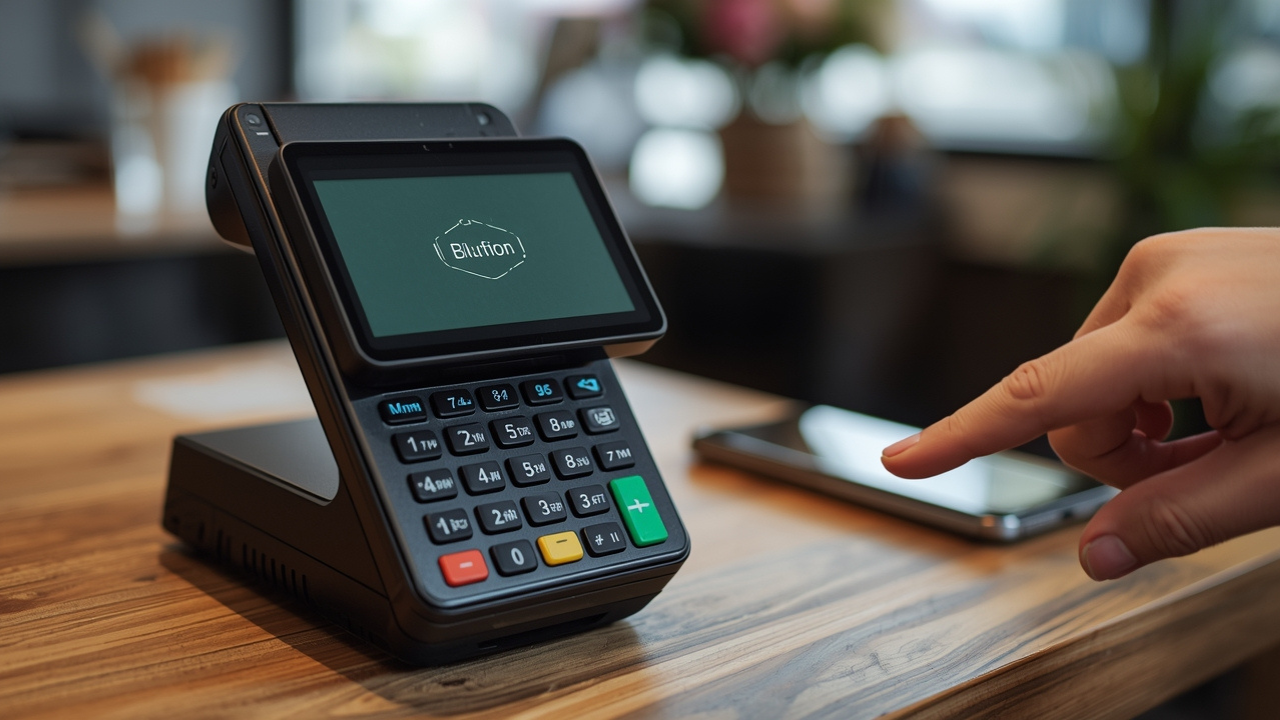
Think of a mobile Point of Sale (POS) system as a modern cash register that fits in your pocket or a small bag. It’s usually made up of a tablet or smartphone. You also need a card reader.
This reader plugs into your device or connects wirelessly. This setup lets you take payments anywhere. You can do this at a farmer’s market, a pop-up shop, or even a customer’s home.
It’s a big step up from old-school cash registers. Mobile POS systems are designed for businesses on the move. They also help businesses that don’t have a fixed shop.
This includes many small businesses.
Why is this so important for small businesses? Well, they often don’t have the big budgets of larger companies. They need flexible tools.
A mobile POS system offers that flexibility. It can help you make sales wherever your customers are. This opens up new revenue streams.
It also makes the buying process smoother for your customers. They can pay with cards or phones easily.
These systems do more than just take money. Most can track your sales. They can also manage your inventory.
Some can even handle customer lists. This means you’re not just selling. You’re also running your business more smoothly.
It’s like having a small business office right in your hand.
My First Mobile POS Fumble
I remember when I first started selling my handmade soaps at local craft fairs. I had this clunky old cash box. It was slow.
I could only take cash. If someone wanted to pay by card, I had to say no or send them to an ATM. It was embarrassing.
And I lost sales. I knew I needed something better. I heard about mobile POS systems.
I thought they sounded too fancy or too expensive for me. I worried about setup. I pictured confusing apps and complicated machines.
So, I stuck with the cash box for another fair. That day, a lady with a big smile wanted three of my best-selling bars. She pulled out her credit card.
My heart sank. I mumbled an excuse. She looked confused and walked away.
That was the final straw. I realized my fear was costing me money and damaging my business image. That night, I spent hours online researching mobile POS systems.
I felt a mix of frustration and hope. I was determined to find a solution that fit my small, budding business.
What Makes a POS System “Mobile”?
Key Features:
- Portable Hardware: Small card readers or integrated devices.
- Device Agnostic: Works with smartphones and tablets (iOS and Android).
- Wireless Connectivity: Uses Wi-Fi or cellular data for transactions.
- Cloud-Based Software: Data syncs online for access anywhere.
- Compact Design: Easy to carry and set up quickly.
The Core of Mobile Sales: How It Works
At its heart, a mobile POS system is about making sales simple and flexible. It connects your sales device to the internet. This connection is key.
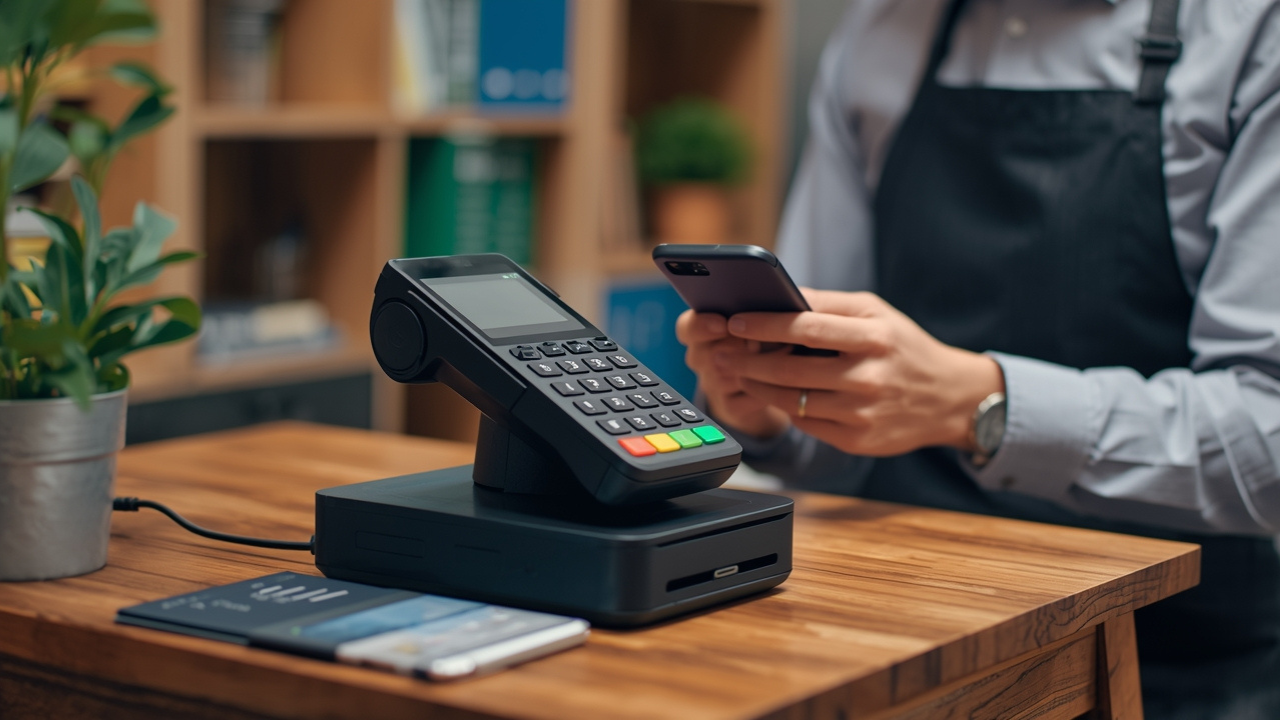
It lets the system talk to payment processors. It also talks to your bank. When a customer wants to pay, they can do a few things.
They might swipe their card. Or they might . Then, it tells the POS system if the payment is approved. All of this happens in seconds.
It’s quite amazing when you think about it. Even the most complex transactions are smooth.
The software on your phone or tablet is the brain. It shows what you are selling. You tap the items.
The total appears. You select the payment type. The system guides you.
It keeps a record of every sale. This record is stored online. This is called cloud storage.
It means you can see your sales data from any device. You don’t lose anything if your phone breaks.
This system can also help with inventory. When you sell an item, the system knows to take it off your stock list. This keeps your inventory count correct.
It helps you know when to reorder items. This is a huge help for small businesses. It saves time and prevents mistakes.
It’s a complete sales package.
Mobile POS vs. Traditional POS
Contrast Matrix:
| Feature | Traditional POS | Mobile POS |
|---|---|---|
| Setup Cost | High, often requires hardware purchase | Low, uses existing devices |
| Portability | Fixed location, not mobile | Highly portable, works anywhere |
| Flexibility | Limited to store | Anywhere, online and offline modes |
| Scalability | Can be complex to upgrade | Easily scales with software updates |
| Functionality | Often robust in-store features | Core sales, growing features |
Real-World Scenarios for Mobile POS
Mobile POS systems are incredibly versatile. They fit into many different small business models. Think about a food truck.
They need to take orders and payments quickly. They move to different locations. A mobile POS is perfect for this.
The staff can take orders right at the window. Payments are processed instantly.
Consider a small retail shop that also does workshops. They can use a mobile POS to sell products at the workshop. They don’t need a separate checkout counter.
They can also use it for pop-up sales. This happens at local events or festivals. It makes selling easy and accessible.
Service businesses benefit too. A handyman, a mobile dog groomer, or a plumber can send invoices and accept payments on the spot. They finish the job, and the customer pays right then.
This avoids chasing payments later. It makes the business look more professional. It also speeds up cash flow.
Even businesses with a physical store might use mobile POS. They can use it to check out customers on the sales floor. This reduces checkout lines.
It also provides a more personal shopping experience. Customers can get help and buy at the same time. This makes shopping more convenient.
Quick Scan: Businesses That Love Mobile POS
Stacked Micro-Sections:
Food Trucks: Take orders and payments on the go.
Craft Vendors: Sell at markets and festivals easily.
Service Providers: Invoice and collect payment at client sites.
Retailers: Checkout customers on the sales floor.
Event Organizers: Sell tickets or merchandise at events.
Pop-Up Shops: Set up sales anywhere with minimal equipment.
Key Features to Look For
When you’re looking for a mobile POS system, it’s easy to get overwhelmed. There are so many options! But focusing on a few key features will help.
You want a system that fits your specific business needs. Don’t just pick the cheapest one. Think about what will make your life easier and your business run better.
Payment Processing: This is number one. How does the system take payments? Does it accept credit cards, debit cards, and contactless payments?
What are the transaction fees? Are they clear and competitive? Some systems make you use their payment processor.
Others let you choose. Understand the costs associated with each. Fees can add up quickly for a small business.
Hardware: What kind of card reader do you need? Some are small, battery-powered devices. They connect via Bluetooth.
Others plug directly into your phone or tablet’s charging port. Consider durability. Will it hold up to frequent use?
Does it need to be charged often?
Software and Ease of Use: The app should be intuitive. Can you add products quickly? Is the checkout process smooth?
Can you apply discounts or taxes easily? Look for a clean interface. It should be easy for you and your staff to learn.
Many offer free trials. Use them to test the software.
Inventory Management: This is crucial for many small businesses. Can the system track stock levels? Does it alert you when items are low?
Can you add product variations (like size or color)? Accurate inventory helps prevent selling items you don’t have.
Reporting and Analytics: Good reports help you understand your business. What are your best-selling items? When are your busiest times?
What is your average sale amount? This data helps you make smart decisions about your business. Look for systems that offer clear, easy-to-read reports.
Customer Management (CRM): Does the system let you store customer information? Can you track purchase history? This helps you offer personalized service.
It can also be used for marketing efforts. Building customer loyalty is vital for small businesses.
Offline Mode: What happens if your internet connection drops? Some systems can still take payments offline. They store the transaction.
They process it once you’re back online. This is a lifesaver for outdoor events or areas with spotty Wi-Fi.
Integrations: Does the POS system connect with other tools you use? This could be accounting software (like QuickBooks or Xero) or e-commerce platforms. Integrations can save you a lot of manual data entry.
Customer Support: When something goes wrong, you need help. What kind of support does the company offer? Is it phone, email, or chat?
What are their support hours? Good support can save you a lot of headaches.
Pricing Structure: Understand all the costs. Is there a monthly fee? Are there per-transaction fees?
Are there extra charges for certain features? Look for transparency. Avoid hidden costs.
Many small businesses prefer a simple pricing model. Some charge a flat monthly fee. Others charge a small percentage of each sale.
Essential Features Checklist
Quick-Scan Table:
| Feature | Why It Matters | Look For |
|---|---|---|
| Payment Processing | Accepts all payment types | Low, clear fees; multiple options |
| Inventory Tracking | Avoids overselling | Real-time updates, low stock alerts |
| User-Friendly App | Fast checkouts, easy to learn | Intuitive interface, quick setup |
| Offline Mode | Never miss a sale due to bad signal | Reliable data saving and sync |
| Reporting | Business insights | Clear sales, inventory, and customer data |
Popular Mobile POS Systems for Small Businesses
Let’s look at some of the most well-regarded mobile POS systems. These are popular for a reason. They offer good value and features for small businesses.
Square POS
Square is often the first name people think of. It’s very popular. It’s known for its easy setup.
You can get a free basic POS app. You just pay for payment processing fees. Square offers a sleek, small card reader.
It plugs into your phone or tablet. They also have more advanced hardware options. Their software is simple to use.
It handles payments, inventory, and basic customer tracking. It’s great for businesses just starting out or those who need a straightforward solution.
Pros: Very easy to set up. Free basic software. Wide range of hardware options.
Good for low sales volume businesses initially.
Cons: Transaction fees can be higher for larger businesses. Advanced features might require paid plans.
Shopify POS
If you already use Shopify for your online store, their POS system is a natural fit. It syncs your online and in-person sales. This is a huge advantage.
You get one view of your business. Shopify POS offers robust inventory management. It’s great for businesses that sell both online and in-person.
You can choose from different hardware kits. These include card readers, stands, and cash drawers. It’s a more comprehensive solution.
Pros: Seamless integration with Shopify online stores. Powerful inventory features. Scalable for growing businesses.
Cons: Can be more expensive than basic options. May be overkill for businesses without an online store.
Toast POS
Toast is primarily designed for restaurants and cafes. But it can work for food trucks too. It’s a powerful system.
It handles ordering, payments, and kitchen management. If your business involves food or drinks, Toast is worth a serious look. It’s more of an all-in-one solution.
It can be more complex to set up than Square. But it offers deep functionality for food service.
Pros: Excellent for food service businesses. Strong inventory and kitchen features. Good for managing staff and tables.
Cons: Can be more expensive. Overkill for non-food businesses. Setup can be more involved.
PayPal Zettle
Formerly iZettle, PayPal Zettle offers a simple way to accept payments. It’s similar to Square. You get a card reader.
You use their app on your phone or tablet. PayPal Zettle integrates well with PayPal’s online services. This is good if you already use PayPal.
It’s a good option for small businesses that need basic sales and payment tools. They also have a free app. You pay per transaction.
Pros: Easy to use and set up. Integrates with PayPal ecosystem. Affordable transaction fees for some.
Cons: Reporting features might be less robust than some competitors. Less well-known than Square or Shopify.
Lightspeed POS
Lightspeed offers powerful POS systems for both retail and restaurants. Their retail POS is quite advanced. It’s great for businesses with complex inventory.
Think clothing boutiques or specialty stores. It offers great stock control. It helps manage vendors and purchase orders.
If you have many product variants, Lightspeed shines. It offers a good balance of features and usability. It does have monthly fees.
Pros: Advanced inventory management. Good for multi-location businesses. Strong reporting capabilities.
Cons: Can be more expensive than basic options. Might have a steeper learning curve.
Mobile POS System Overview
Card Grid Style:
Square POS
Best for: New businesses, simple needs, low volume.
Pricing: Free app, pay per transaction.
Key Feature: Super easy setup.
Shopify POS
Best for: Online sellers expanding offline, strong inventory needs.
Pricing: Monthly fees + transaction fees.
Key Feature: E-commerce integration.
Toast POS
Best for: Restaurants, cafes, food trucks.
Pricing: Monthly fees, hardware costs.
Key Feature: Food service specific tools.
PayPal Zettle
Best for: Existing PayPal users, basic payment needs.
Pricing: Free app, pay per transaction.
Key Feature: PayPal integration.
Lightspeed POS
Best for: Retail with complex inventory, multi-location.
Pricing: Monthly fees.
Key Feature: Advanced inventory control.
What This Means for Your Small Business
Choosing the right mobile POS system can truly change how you do business. For many small business owners, it means more sales. It means less stress.
It means a more professional image. You’re no longer limited by old ways of selling. You can meet customers where they are.
You can make it easy for them to buy from you.
It means better control over your business. With good inventory tracking, you stop losing money on stockouts or overstocking. With clear sales reports, you understand what’s working.
You can make smarter decisions. You can focus your energy on what brings in the most profit.
For some, it means finally being able to accept card payments. This opens up a huge segment of customers who rarely carry cash. It’s not just about convenience for the customer.
It’s about unlocking revenue that was previously out of reach. The peace of mind that comes with knowing every sale is recorded and secure is also invaluable.
Think about your specific business. Do you sell items that change often? Do you have many small transactions?
Or do you have fewer, larger sales? Your answers will guide you to the best system. A system that fits perfectly will feel natural to use.
It will handle your needs without being a burden.
When to Worry About Your Mobile POS
Normal vs. Concerning:
Normal: Occasional slow processing during peak online times.
Concerning: Frequent transaction declines for valid cards.
Normal: Needing to update the app now and then.
Concerning: The app crashes often or loses data.
Normal: Transaction fees seem standard for your payment type.
Concerning: Unexpected charges or unclear fee structures.
Normal: Needing to manually adjust stock after a complex sale.
Concerning: Inventory numbers are consistently wrong.
Normal: Customer support takes a few hours to respond.
Concerning: Customer support is unreachable or unhelpful.
Quick Tips for Mobile POS Success
Getting a mobile POS is the first step. Making it work well for your business is the next. Here are a few tips:
1. Test Drive Thoroughly: Before committing, use the free trial. Test every feature you think you’ll need.
Try processing different types of sales. See how easy it is to add new items. This is your chance to find any hidden issues.
2. Train Your Staff: If you have employees, make sure they know how to use the system. Simple training sessions can prevent confusion and errors.
Clear instructions make everyone more confident.
3. Keep Software Updated: POS companies often release updates. These updates can add new features or fix bugs.
Make sure your app and device software are always up to date. This helps with security and performance.
4. Understand Your Fees: Look at your monthly statements closely. Do the fees match what you expect?
If you’re unsure, ask your provider for clarification. Fees can impact your profit margins. Knowing them helps you price your products correctly.
5. Secure Your Device: Your phone or tablet holds sensitive customer data. Use a strong passcode.
Enable remote wipe features if possible. Keep your device physically secure. This protects your customers and your business reputation.
6. Back Up Your Data (if applicable): Most cloud-based systems do this automatically. But it’s good to understand how your data is saved.
If you use an offline mode, ensure data syncs correctly when you reconnect.
7. Leverage Reports: Don’t just collect data. Use it.
Look at your sales reports regularly. See what’s selling well. Understand your peak times.
This information is gold for making smart business decisions. You can plan promotions or stock better.
Frequently Asked Questions About Mobile POS Systems
What is the cheapest mobile POS system?
The cheapest mobile POS systems often have free software and charge per-transaction fees. Square and PayPal Zettle are good examples. They let you start with just a card reader.
Your overall cost depends on your sales volume. Higher sales volume might make a system with a monthly fee cheaper in the long run.
Do I need a special phone or tablet for a mobile POS?
No, most mobile POS systems work with standard smartphones and tablets. You’ll need a device that runs a recent version of iOS or Android. Check the system’s specific requirements.
But most modern devices will work fine.
Can I use a mobile POS system without Wi-Fi or internet?
Many mobile POS systems offer an offline mode. This lets you accept payments even without an internet connection. The transactions are stored securely.
They process them later when you regain connectivity. This is very important for outdoor events or areas with poor signal.
Are mobile POS systems secure for credit card payments?
Yes, reputable mobile POS systems use strong security measures. They are usually PCI-compliant. This means they follow industry standards for handling cardholder data.
Look for systems that use end-to-end encryption. Always use official card readers. Avoid using unapproved hardware.
How long does it take to get approved for a mobile POS account?
Getting approved is usually quite fast. For systems like Square or PayPal Zettle, you can often sign up and start taking payments within minutes. For more complex systems or businesses with higher risk, approval might take a few days.
You will usually need to provide some basic business information.
Can I manage my inventory with a mobile POS system?
Yes, most modern mobile POS systems offer inventory management features. These range from basic stock tracking to more advanced options like low-stock alerts and product variations. The level of detail varies by system.
It’s a key feature for retail businesses.
Conclusion
Finding the right mobile POS system is a key step for any growing small business. It’s about choosing a tool that supports your work. It should make your daily tasks easier.
It should also help you serve your customers better. Take your time to explore the options. Think about your specific needs.
Most importantly, choose a system that helps you sell more and worry less. Your business deserves tools that work as hard as you do.